iOS APP
FOR HR & ADMIN TEAMS
HRMS 560Degree Admin
For authorised HR teams to review employee attendance, open staff records and follow daily HR activity from their phone.
- Attendance overview
- Employee attendance logs
- HR team access
 A smarter tomorrow,
 560 Degree MOBILE EXPERIENCES
Find the right 560 Degree app for your role: HR administrator, employee, school team, parent or business user. Already a customer? Download your app and sign in with your organisation’s account.
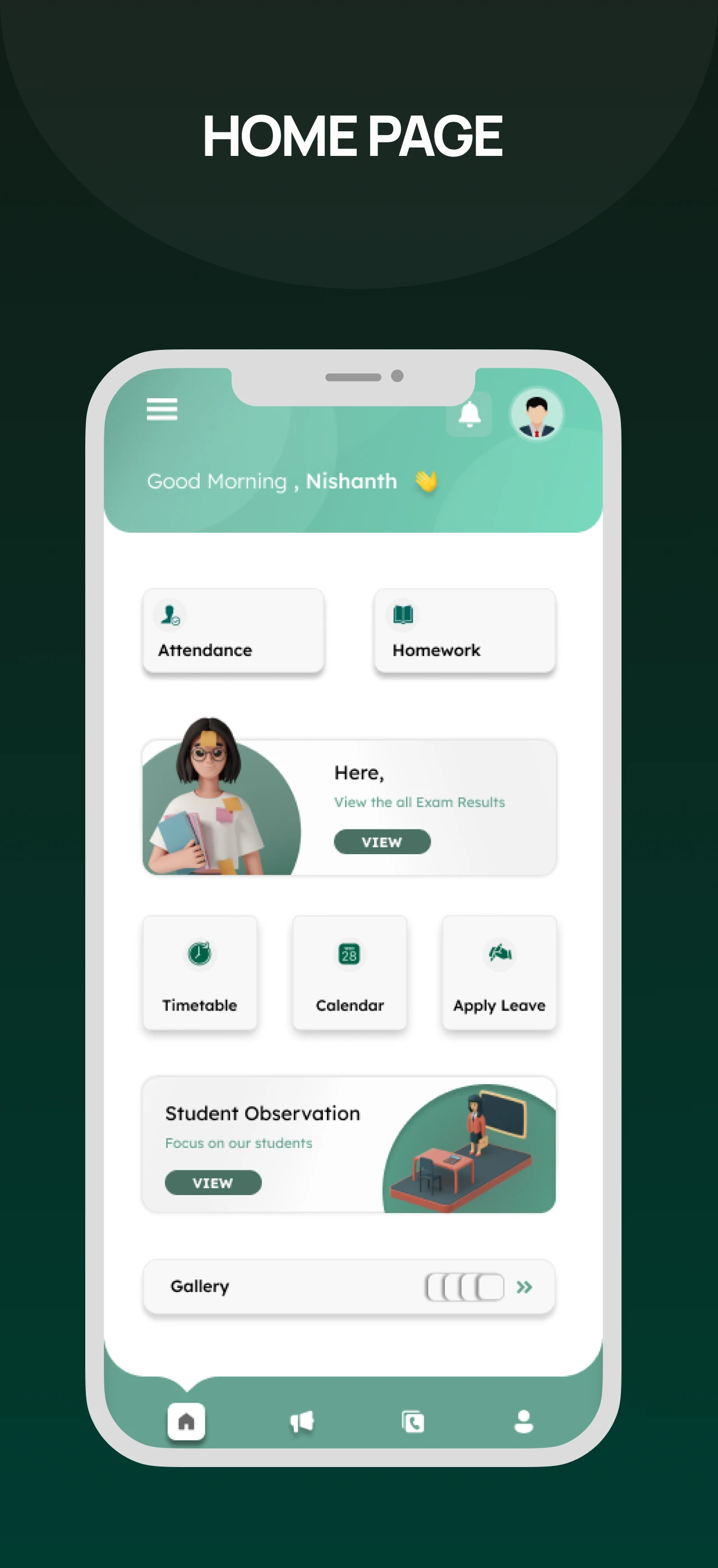
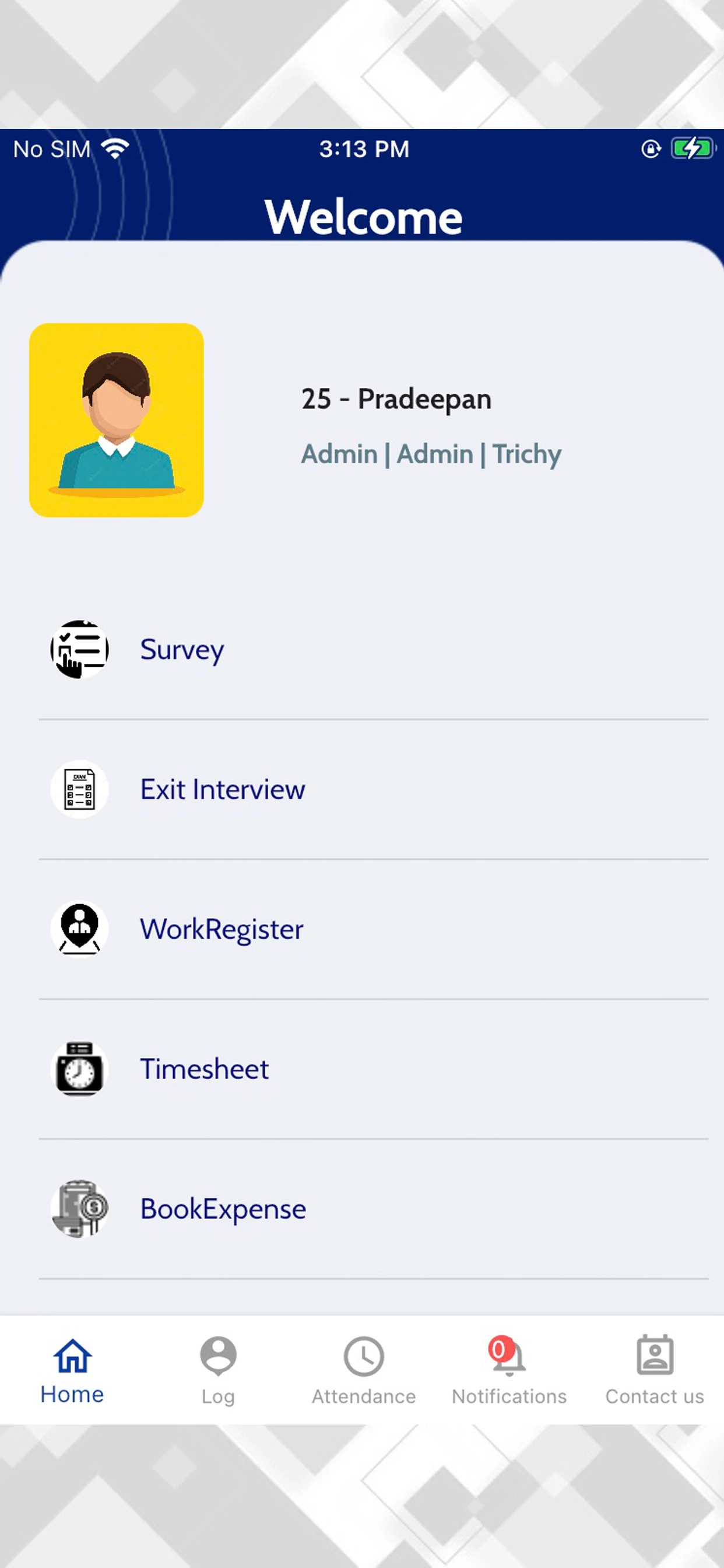
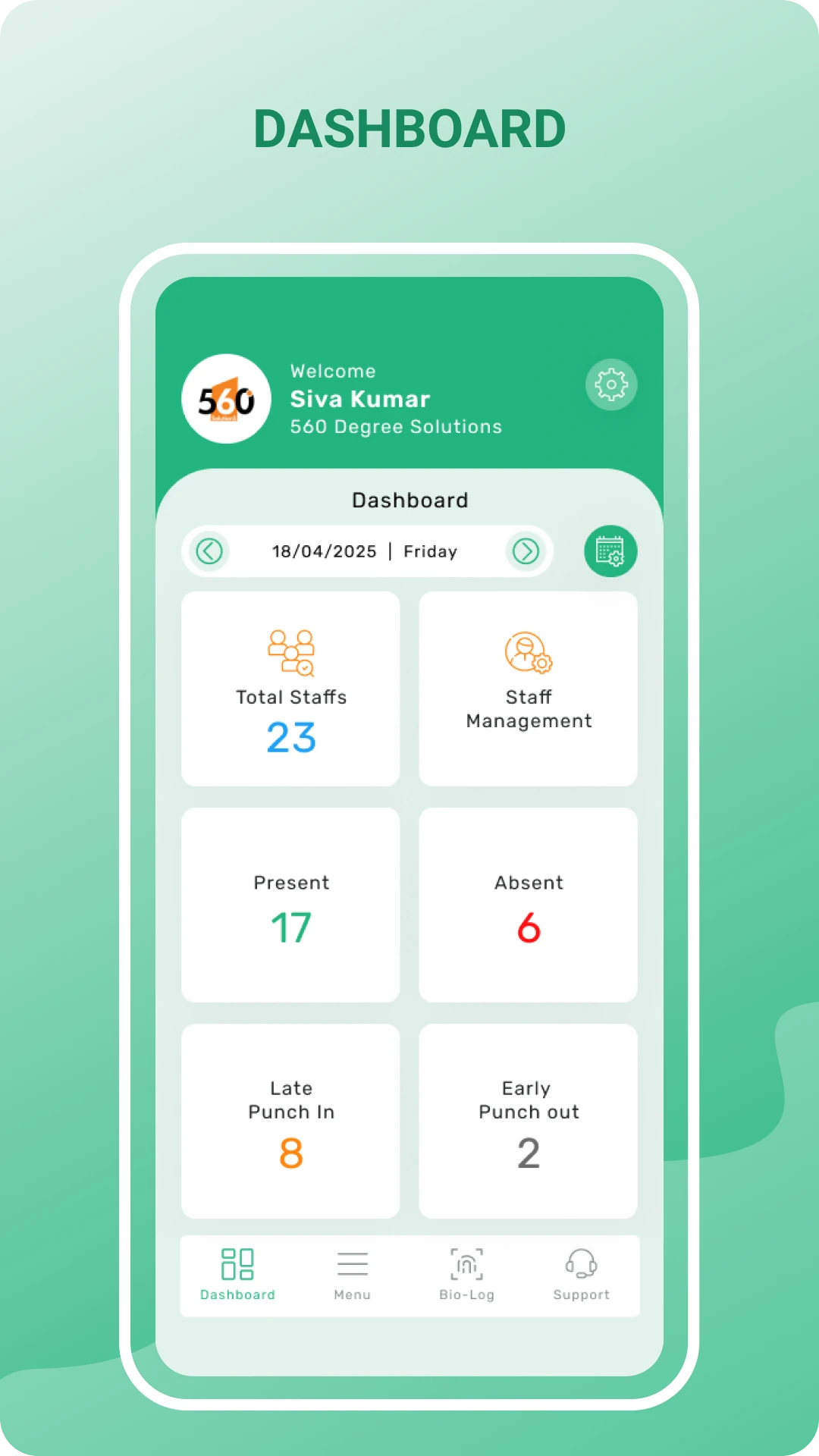
560 Degree product previews · screens vary by platform and version
A CLOSER LOOK
See attendance summaries, employee tools, school menus and homework screens from our supplied product designs. Select any image to enlarge it.
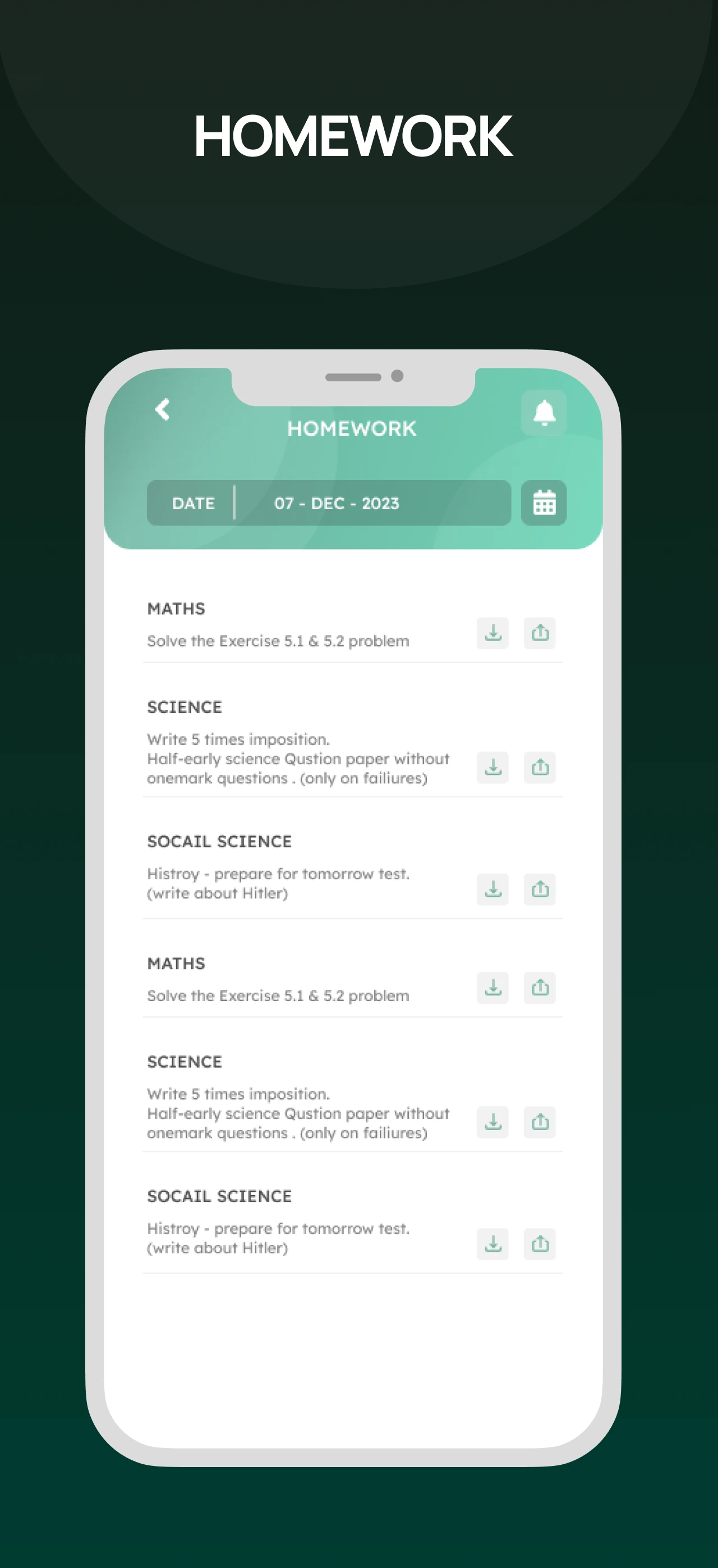
Product screenshots are illustrative of the supplied designs. Available screens depend on your role, organisation and app version.
MADE BY 560 Degree SOLUTIONS
Choose your role and open the official App Store listing. Use the login details provided by your organisation.
5 apps shown
FOR HR & ADMIN TEAMS
For authorised HR teams to review employee attendance, open staff records and follow daily HR activity from their phone.
FOR EMPLOYEES
For employees to record attendance and access the HR information available through their employer. On iOS, supported workflows also include travel expense tracking.
FOR INSTITUTION TEAMS
For school and college teams to view student records, review attendance and share homework or updates with parents.
FOR PARENTS
For parents to check homework, timetables, attendance and results. View fee history and make payments when the institution enables them.
FOR BUSINESS USERS
For organisations using 560 Cloud to give authorised users mobile access to business dashboards, account information and reports.
Your employer or institution provides your login and enables the features for your account. For access help, contact support. Device compatibility and availability are shown in the store listing.
CONNECTED TO YOUR 560 Degree SOFTWARE
HRMS & PayrollAdministrators ↔ Employees↗School & College ERPInstitution teams ↔ Parents↗Business softwareYour organisation ↔ Your information↗ONE EXPERIENCE, THE RIGHT ACCESS
Use HRMS Admin for HR oversight, HRMS Employee for personal HR tasks, Guru Admin for school administration, and Guru Parent for school updates. Business users can access enabled dashboards and reports through 560 Cloud.
Explore products & services →CUSTOM IOS APP DEVELOPMENT
Plan a mobile application for your customers, field teams or internal operations, using the systems your business already depends on.
We identify who will use the app and what they need to do. Together, we map the key tasks, required screens and account permissions, then agree which features belong in the first release.
We review your existing software and APIs, decide which data the app needs, and define sign-in and notification requirements. This helps us plan how the app will exchange information with your systems.
We agree the design, supported devices and release scope, then develop and test the app against those requirements. We also plan store submission, handover and ongoing updates with you.
Admin apps are for authorised management or office users. HRMS Employee is for staff, and Guru Parent is for parents. Your organisation decides which account and permissions you receive.
Check the current App Store listing for device and iOS requirements. Use the store links on this page and ask support if you are unsure which app your organisation uses.
Share the app name, iOS version, what you were trying to do and the error shown. A screenshot can help; hide passwords and any personal information that is not needed.
Choose HRMS Admin for authorised HR teams, HRMS Employee for employees, Guru Admin for institution teams, or Guru Parent for parents. Use 560 Cloud when it is enabled for your business.
Contact your employer, institution or 560 Degree support for the account used by your organisation. Downloading an app does not create an organisation account.
Your product setup, role, platform and app version determine the features available. For Guru Parent, fee payments depend on whether your institution enables them.
Yes. Share your users, workflow and integration requirements so we can discuss the scope of your Android or iOS application.
YOUR NEXT MOBILE EXPERIENCE